


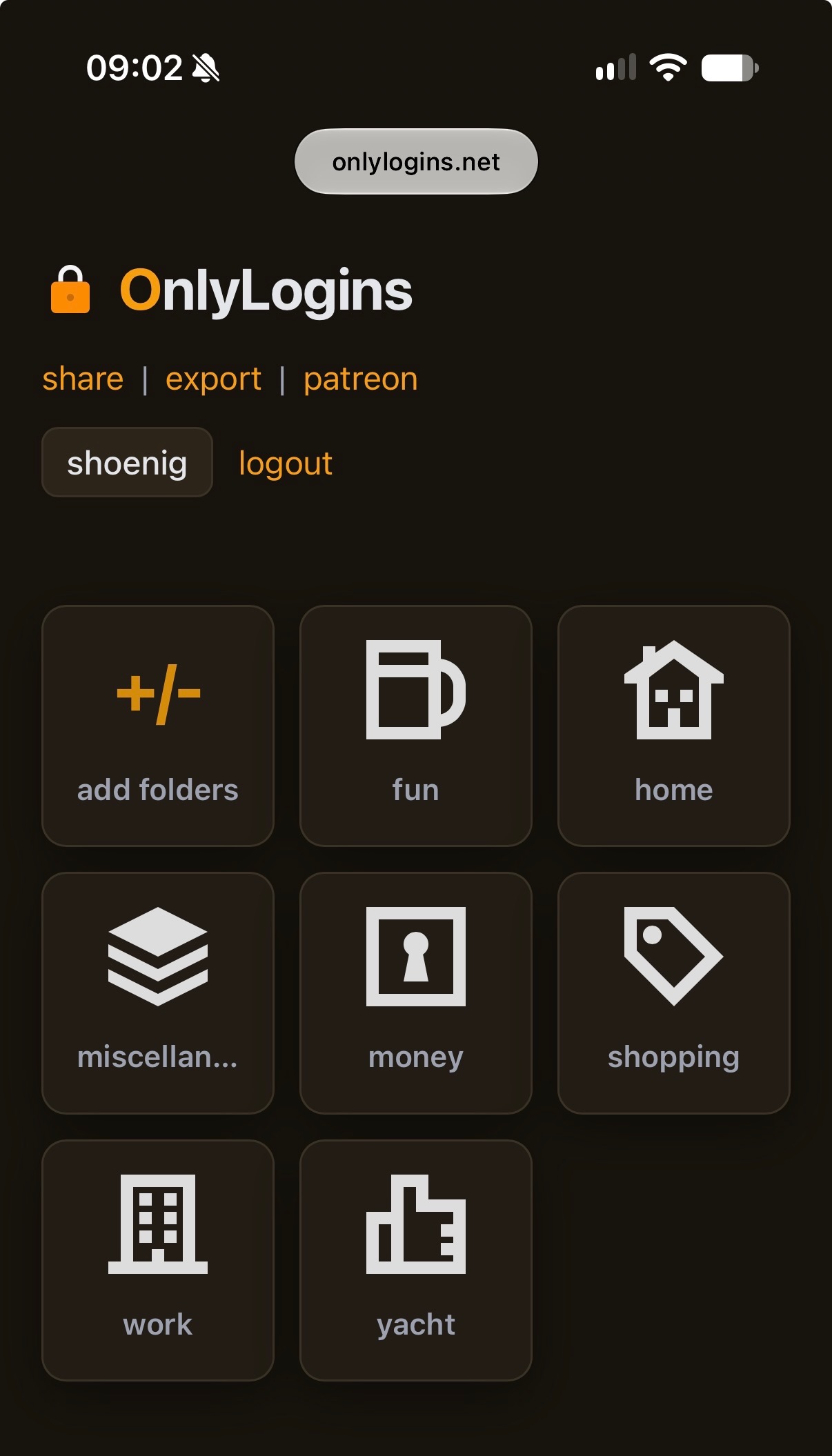
OnlyLogins is an open source password manager that makes managing your secret information like passwords, website login credentials, API tokens, and 2FA backup codes simple and secure. Your data is encrypted using your own secret passphrase and cannot be decrypted without it. No 2FA codes, USB dongles, or email account is required to access your data. Just your passphrase.
Check out onlylogins.net to store your passwords for free.
- Manage passwords, website login credentials, API tokens, and 2FA backup codes.
- Encrypt everything with your own secret passphrase. Nothing gets decrypted without it.
- No 2FA codes, USB dongles, or email accounts required. Your data is yours.
- Store your passwords for free online, or self-host your own instance.
We welcome contributions from the OnlyLogins user base. Before you start coding, please open an issue with the following information:
- Details on the feature you'd like to see and the problem you hope to solve, including how you envision using the feature.
- Your wish to contribute the code, your proposed solution, and the test plan.
Creating the issue opens a discussion with us so that we can collect feedback, help with design, track the feature request, and better review your code PR. This initial discussion and collaboration ensures that you have the support you need to implement and test your enhancement.
If you'd like to contribute to an existing issue, you should post in the issue before starting. Let us know you'd like to work on it and your proposed solution.
Please do not submit pure AI-generated pull requests. Using agents for assistance in code exploration and development is permissible, but do be courteous and avoid submitting code that you yourself haven't reviewed. If you can't be bothered to think critically about your changes, why should we?
If you find a security vulnerability please exercise responsible disclosure by privately emailing a repository maintainer before going public with your findings. This includes issues with the source code or in the hosting of our SaaS product website.
Find a bug? Report it! Use the issues page to report functional problems.
Assuming you have a working Go toolchain, getting started is as easy as running a few Justfile targets.
# Install local tooling, run linters and tests
just init lint tests
# Run the instance, which listens on localhost:3000
just run ./hack/dev.tomlWhen running locally a TPM is not required. Set vault.passphrase to a
plaintext passphrase (in the quasi-uuid4 format) instead of sealing it to a
TPM:
[vault]
passphrase = "aaaaaaaa-bbbb-cccc-dddd-eeeeeeeeeeee"
See TPM Operations for the production path.
# Open the SQLite file
just db-open ./hack/dev.toml

# Completely delete the SQLite file
just db-reset ./hack/dev.tomlA memcached instance is expected to be available
and is used for storing session state. For local development a Justfile target
exists for convenience, and works with the hack/dev.toml configuration.
# Start a local memcached listening on /tmp/mc.sock
just mc-run

# Show stats output of the local memcached
just mc-statsNote: it is not necessary to integrate with Stripe for local development or for
running your own instance. If the stripe configuration is left unset, onlylogins
will automatically exclude the subscription features.
-
download the Stripe CLI tool
-
login using the tool
stripe login- run the tool to proxy
stripe listen --all-snapshot --forward-to localhost:3000/api/stripe/webhooks- be sure to use the "Test" environment for development and "Sandbox" for QA
You'll need a few Go tools not included with just init.
- envy for managing environment variables
- taggit for creating git version tags
- fields for parsing log line outputs
Create a new artifact, supplying the version tag.
just artifact $(taggit patch --dry | fields -- -1)Use the deploy.sh script to SCP and restart the service.
just deploy <host>When working on OnlyLogins, there are a few key packages that you should be familiar with before making changes. Understanding these will help you get started.
agent/- The main entrypoint of the long-lived web serviceagent/cronjobs/- Creates background tasks that run periodicallyagent/web/- Creates the HTTP, HTMX, and API web handlers
database/- Storage layer backed by SQLitehack/- Contains example configuration and mock packagespkg/- Contains numerous helper packagespkg/encrypt/- Where the security happenspkg/sitecontent/- Models that bridge storage and web layers
ui/- Defines HTML templates and CSS, Javascript files
The OnlyLogins project makes use of specific "boring" technologies that help make the code simple to reason about, which is important for the security guarantees necessary in something like a password manager. The bar for introducing additional complex technologies is extremely high.
We like to think of this as the "GoSH" stack.
- Go Programming Language (https://go.dev)
- SQLite database (https://sqlite.org/index.html)
- Memcached (https://www.memcached.org)
- HTMX (https://htmx.org)
In staging and production the global vault passphrase is unsealed from a
Trusted Platform Module (TPM) at startup, binding the secret to the hardware of
a specific machine. The tpm subcommands walk through preparing a sealed blob,
in the order they are used to bring up a production agent.
Note: the tpm subcommands access the TPM device directly, so run them as
root (or as a user that belongs to the tpm group) to list devices, seal, and
verify.
List the TPM 2.0 devices available on the system to identify the device path.
onlylogins tpm devicesSeal a passphrase to the TPM, read from standard input. The passphrase must be
in the quasi-uuid4 format expected by the vault (36 hexadecimal digits and
hyphens). By default the blob is sealed to PCRs 0, 1, and 2; override with
--pcrs.
onlylogins tpm seal --device /dev/tpmrm0 --output /etc/onlylogins/sealed <<< $(uuid-tool)Store a paper copy of the passphrase in a secure location.
Confirm the blob unseals on this machine and that the decrypted passphrase matches the expected format.
onlylogins tpm verify --device /dev/tpmrm0 --input /etc/onlylogins/sealedPoint the agent at the sealed blob and the TPM device. Ensure the agent runs as a user with sufficient permission to read the sealed file, and access the tpm device.
[vault]
sealed = "/etc/onlylogins/sealed"
device = "/dev/tpmrm0"New versions of OnlyLogins are made available on the releases page. At the moment pre-compiled binaries are distributed only for Linux on AMD64. See the development section above for instructions on compiling custom versions. Use the hack/dev.toml as a reference for setting up configuration. Before you host on an ARM64 instance, note that the argon2 crypto package is optimized only for AMD64.
Launch the agent specifying the agent subcommand with the path
to your configuration file.
onlylogins agent -c ./hack/dev.tomlNote: run the agent as a dedicated service user that belongs to the tss group.
tss stands for "tpm software stack". On a typical Linux host the TPM device
nodes (/dev/tpm0 and /dev/tpmrm0) are owned by the tss group, which the
agent needs to unseal the vault passphrase.
# create an onlylogins service user
useradd --system --no-create-home --shell /usr/sbin/nologin onlylogins

# make onlylogins belong to tss group
usermod --append --groups tss onlyloginsOnlyLogins is made available under the AGPL-3.0 license.
The AGPL-3.0 is a strong copyleft license that imposes obligations materially broader than those of permissive licenses. Any use, reproduction, modification, or distribution of the OnlyLogins source code - including making a modified version available to third parties over a network - is subject to the terms and conditions of that license, and such terms should be reviewed in full prior to any such activity.
CattleCloud LLC, as the copyright holder and owner of this repository, reserves all rights not expressly granted under the AGPL-3.0. No additional permission or exception is granted, whether by implication, estoppel, or otherwise, and CattleCloud LLC intends to enforce the terms of the license to the fullest extent permitted by applicable law.