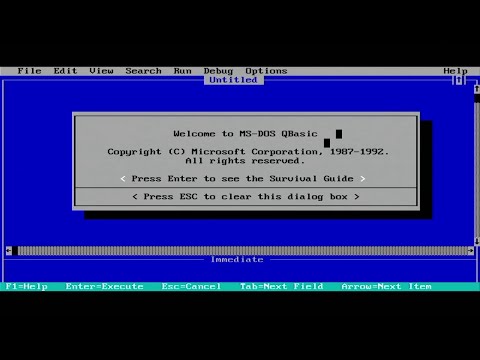
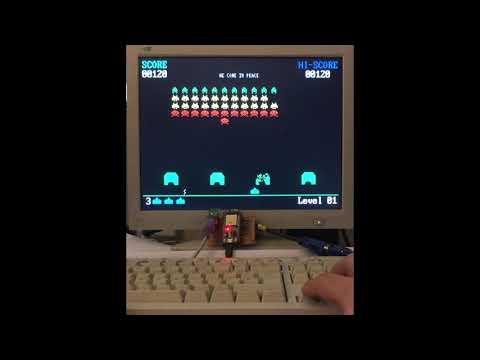
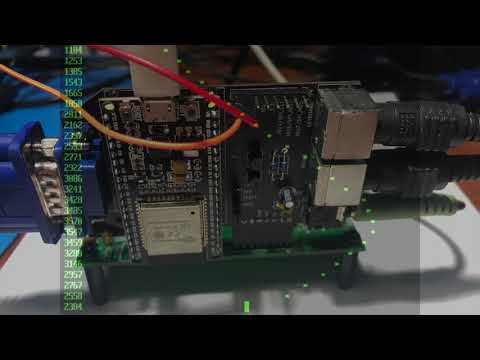
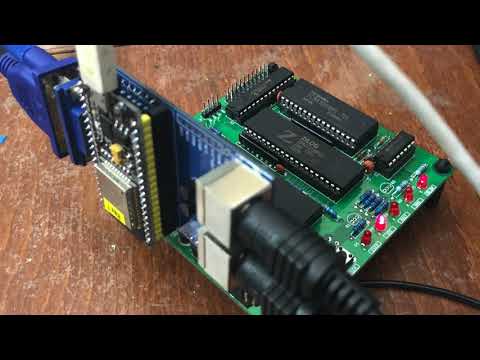
Graphics, audio, input and terminal library for the ESP32, as a native ESP-IDF component
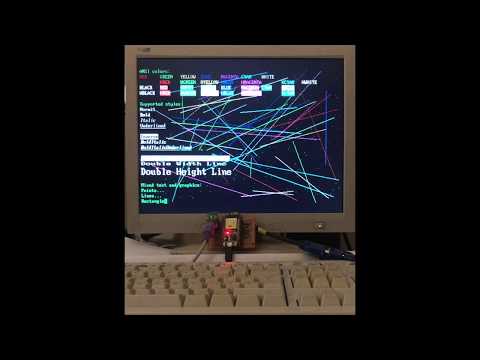
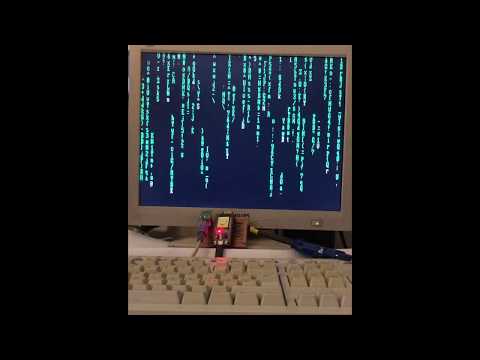
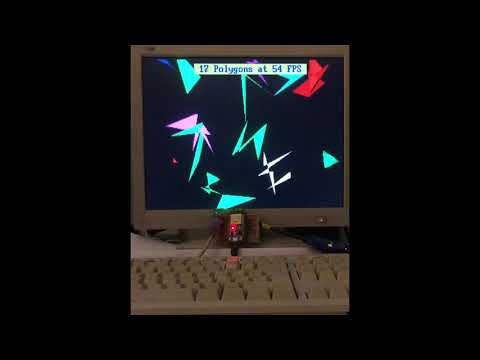
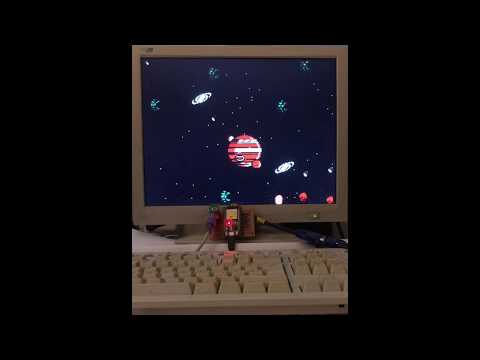
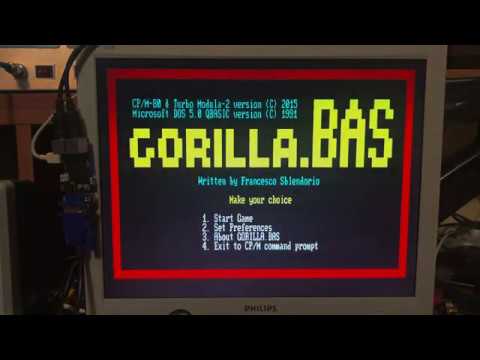
FabGL2 turns an ESP32 into a complete retro-computing and embedded-UI platform: VGA and PAL/NTSC composite video output, PS/2 keyboard and mouse input, a multi-channel sound engine, a windowed graphical user interface, a sprite and game engine, an ANSI/VT terminal and CPU emulators.
FabGL2 is the successor of FabGL 1.x. It is a pure ESP-IDF component, requires ESP-IDF v6.1 or newer and no longer depends on Arduino.
- API documentation and user guide: www.fabglib.org (sources of the guide in docs/guide)
- Demos and tutorials: YouTube channel
- Migrating from FabGL 1.x: docs/MIGRATION.md
You can support the development by purchasing the ESP32-SBC-FabGL board from Olimex.
- Video output
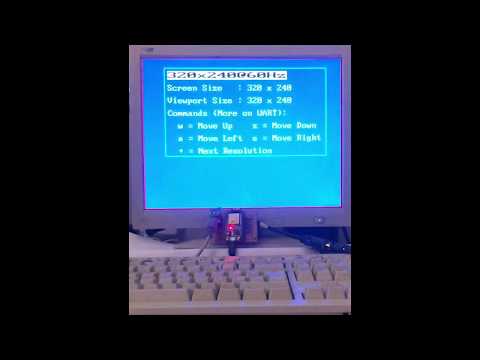
- VGA, with 2, 4, 8, 16 or 64 colors and resolutions up to 1280x768, configurable through Linux-style modelines
- VGA text-only mode (80 columns, 16 colors) with a very small memory footprint
- Direct scanline rendering (VGADirectController) for demanding real-time graphics
- PAL/NTSC color composite video, generated by the internal DAC
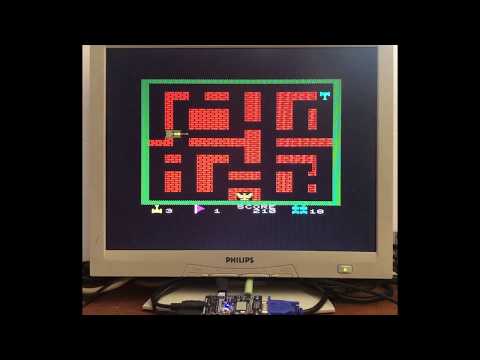
- Graphics: lines, rectangles, ellipses, paths, bitmaps, fixed and variable-width fonts, scrolling, double buffering and an unlimited number of sprites with collision detection
- Input: PS/2 keyboard (with international layouts) and PS/2 mouse, handled by the ULP coprocessor
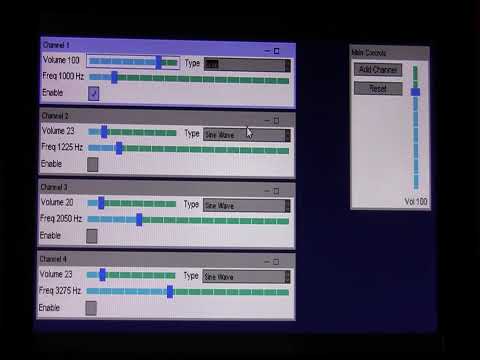
- Audio: multi-channel sound engine with sine, square, triangle, sawtooth and noise generators and sampled sounds, mixed to a mono output through the DAC or sigma-delta modulation
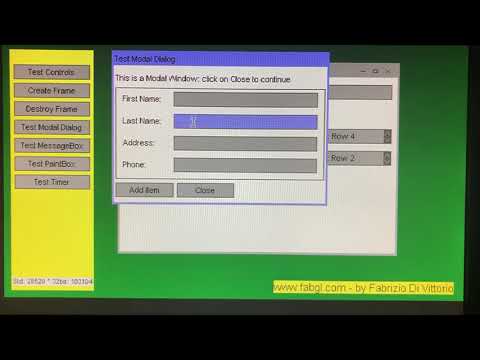
- Graphical user interface: overlapping windows, mouse support and a rich set of controls (buttons, text edits, check boxes, combo boxes, list boxes, sliders, progress bars, etc.), plus ready-made InputBox dialogs
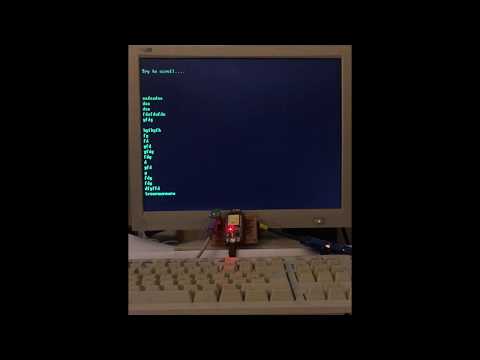
- Terminal: ANSI/VT100 compatible terminal with VT52, ADM-3A, ADM-31, Hazeltine 1500, Osborne I and Kaypro emulations, plus FabGL-specific sequences for graphics, sound and GPIO
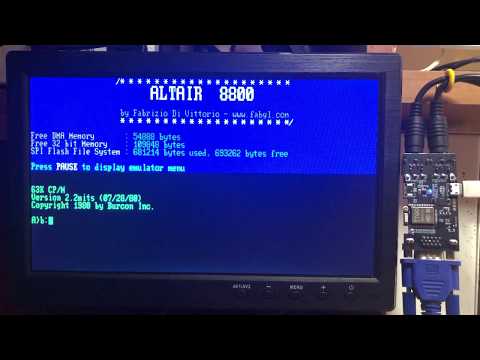
- Emulation: Intel 8080, Zilog Z80, MOS 6502 and Intel 8086 CPU cores and several peripheral chips, used by the Altair 8800, VIC-20 and IBM PC examples
- Utilities: serial port, UART stream, I2C, DS3231 real-time clock, MCP23S17 GPIO expander, file browser (SPIFFS and SD card), NVS preferences, WiFi, HTTP, TCP and ICMP helpers
Drawing primitives are queued and executed during the vertical retrace, so no flickering is visible (except when double buffering is used or background drawing is explicitly disabled). If the queue cannot be emptied within one retrace, processing continues at the next one.
FabGL2 runs on ESP32 revision 1 or later (target esp32). See Compatible Boards.
- VGA requires a simple resistor DAC: three 270 Ohm resistors for 8 colors, or six resistors for 64 colors.
- Composite video requires no external components (a 5 MHz low-pass filter may improve the picture).
- PS/2 keyboard and mouse connect to the ESP32 GPIOs; see the schematics of the compatible boards for the interface circuit.
- ESP-IDF v6.1 or newer (tested with v6.1.1)
- ESP32 target
FabGL2 uses only components included in ESP-IDF: no third-party library is required.
components/fabgl/       the FabGL2 ESP-IDF component (CMakeLists.txt, Kconfig, idf_component.yml, src/)
examples/               ESP-IDF example projects (one project per folder)
docs/                   Doxygen configuration, migration guide and generated documentation
tools/                  font, image and WAV converters, build_examples.sh, clean_examples.sh
Extras/                 BASIC programs for the terminal and PC emulator examples
Add the component to your project, for example by cloning this repository and pointing EXTRA_COMPONENT_DIRS to it:
# project CMakeLists.txt
cmake_minimum_required(VERSION 3.22)
set(EXTRA_COMPONENT_DIRS "/path/to/FabGL/components/fabgl")
include($ENV{IDF_PATH}/tools/cmake/project.cmake)
project(myapp)
# main/CMakeLists.txt
idf_component_register(SRCS "main.cpp" REQUIRES fabgl)// main/main.cpp
#include "fabgl.h"
fabgl::VGA16Controller DisplayController; // 16 colors, about 153 KB of frame buffer at 640x480
extern "C" void app_main()
{
DisplayController.begin();
DisplayController.setResolution(VGA_640x480_60Hz);
fabgl::Canvas cv(&DisplayController);
cv.clear();
cv.drawText(10, 10, "Hello from FabGL2!");
}Recommended sdkconfig.defaults (every example includes one):
CONFIG_IDF_TARGET="esp32"
CONFIG_ESP_DEFAULT_CPU_FREQ_MHZ_240=y
CONFIG_COMPILER_OPTIMIZATION_PERF=y
CONFIG_FREERTOS_HZ=1000
CONFIG_ESP_MAIN_TASK_STACK_SIZE=8192
CONFIG_ESP_MAIN_TASK_AFFINITY_CPU1=y
CONFIG_ESP_TASK_WDT_CHECK_IDLE_TASK_CPU1=n
# required by the PS/2 controller (ULP FSM program)
CONFIG_ULP_COPROC_ENABLED=y
CONFIG_ULP_COPROC_TYPE_FSM=y
CONFIG_ULP_COPROC_RESERVE_MEM=4096
The PS/2 controller runs a program on the ULP FSM coprocessor, so CONFIG_ULP_COPROC_RESERVE_MEM must be at least 2112 bytes. The build stops with an explicit error message if it is smaller.
Every folder under examples/ that contains an sdkconfig.defaults file is a standalone ESP-IDF project:
. $IDF_PATH/export.sh
cd examples/VGA/SpaceInvaders
idf.py build flash monitor
To build an example copied outside this repository, set the FABGL_PATH environment variable to the root of the repository.
To build several examples at once:
tools/build_examples.sh            # all examples
tools/build_examples.sh VGA/       # VGA examples only
To remove all the files generated by the builds (build/, sdkconfig, ...), for example after changing an
sdkconfig.defaults file:
tools/clean_examples.sh            # all examples (-k keeps sdkconfig, -n shows what would be removed)
tools/clean_examples.sh VGA/       # VGA examples only
| Folder | Examples |
|---|---|
examples/VGA |
Altair8800, AnsiTerminal, Audio, ClassicRacer, CollisionDetection, DirectVGA, DirectVGA_ElMuro, DoubleBuffer, FileBrowser, GraphicalUserInterface, HardwareTest, InputBox, LoopbackTerminal, ModelineStudio, MouseOnScreen, MultitaskingCPM, NetworkTerminal, PCEmulator, SimpleTerminalOut, SimpleTextTerminalOut, Songs, SoundChipSimulator, SpaceInvaders, Sprites, Synth, TerminalCharSet, VIC20 |
examples/Composite |
BaseExample |
examples/Others |
KeyboardScanCodes, KeyboardVirtualKeys, MouseStudio |
The API documentation is generated with Doxygen and Graphviz:
cd docs
doxygen Doxyfile
The HTML output is written to docs/html.
Created by Fabrizio Di Vittorio (fdivitto2013@gmail.com) - http://www.fabgl.com
Copyright (c) 2019-2026 Fabrizio Di Vittorio. All rights reserved.
FabGL2 is released under the GNU General Public License v3 (GPL v3). For a commercial license, please contact fdivitto2013@gmail.com.
Please do not remove the copyright notice or the name of the original author from the FabGL examples (e.g. from screens and dialogs), including in derived works based on the examples.
Click an image to watch the video.