
A horizontal scrolling ticker of the latest items of one or more RSS/Atom feeds. Plain HTML and CSS, no Flash.


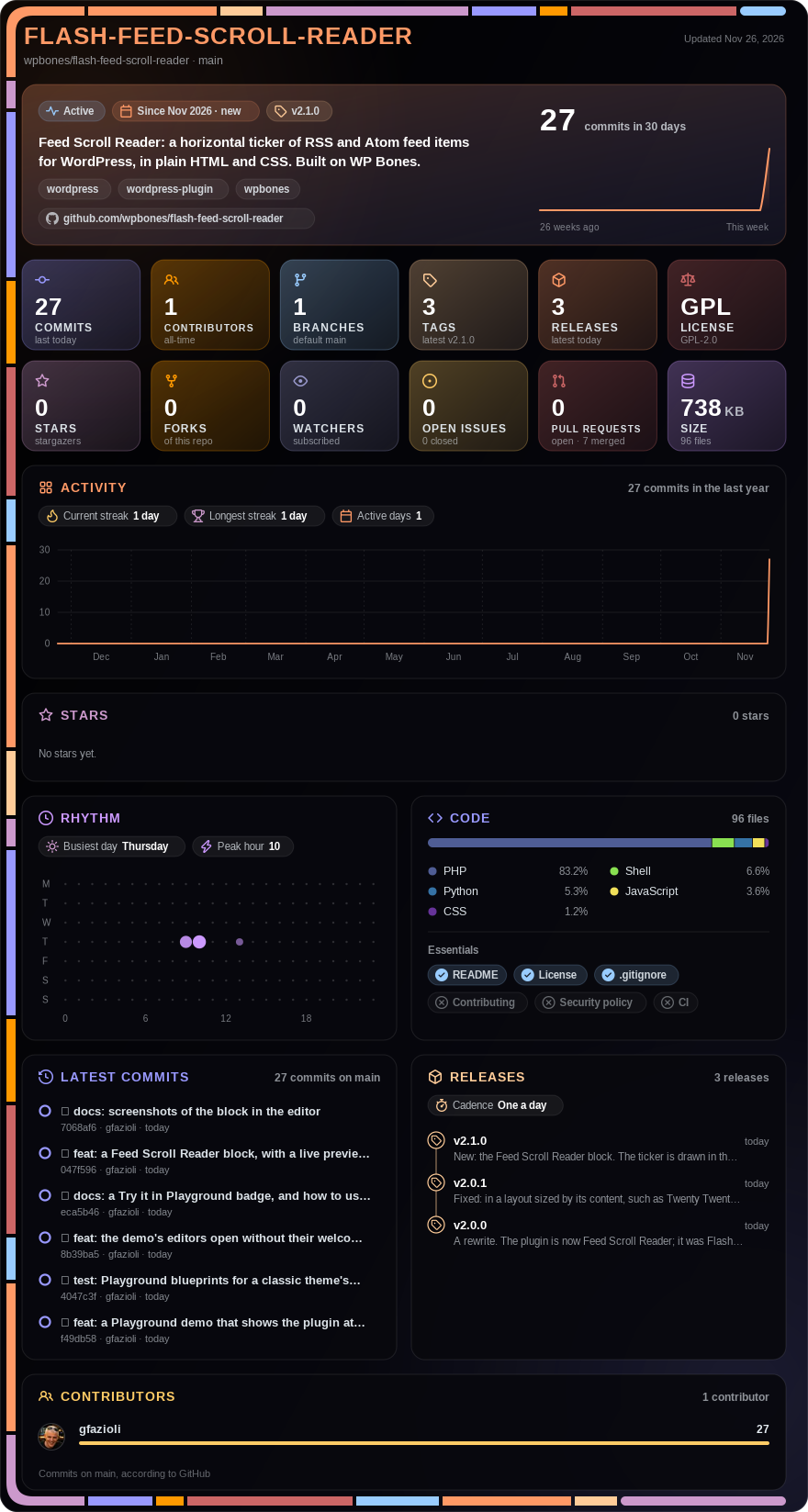
Made with glancecard · refreshed daily
Feed Scroll Reader shows the latest items of one or more feeds in one line that scrolls sideways, like a news ticker. It was Flash Feed Scroll Reader until 1.2.0 and drew the line with an Adobe Flash movie; 2.0.0 is a rewrite in HTML and CSS, and Flash is gone. The WordPress.org address and the folder are still flash-feed-scroll-reader.
Built on the WPBones framework.
- WordPress.org Plugin Page
- Support Forum
- Changelog (the
## Changelogsection)
- Up to 5 feeds in one ticker, merged and sorted by date, with a limit on the items; a feed that fails is skipped for 15 minutes.
- Titles are real links; optional descriptions cut to a length and ended with a text of your choice; a separator.
- Pauses on hover and on keyboard focus, with a pause button for touch screens; a still, wrapping list for visitors who ask for reduced motion.
- A labelled region, keyboard reachable, no live announcements.
- The theme's font; width, height, background and text color.
- Feeds read with core
fetch_feed()and cached for a lifetime you set. - A failing feed shows nothing to visitors; administrators get a note in the page source and on the settings page.
- A block for the block editor, with a live preview and the feeds, speed, height and descriptions in the sidebar; colors, font size, margin and wide/full alignment are core block supports. A shortcode or the plugin's widget turns into it (Transform).
- Shortcode, classic widget, and the 1.x template tags (
flashfeedscrollreader(),get_flashfeedscrollreader()). - Your 1.x settings (
ffsr_settings) are moved into the new ones once; the 1.x default feeds that no longer exist (saidmade.com/feed,appleside.it/feed) are replaced by the new default. - Translated into Italian, Spanish, French, German and Brazilian Portuguese.
Add the Feed Scroll Reader block (Widgets category) in the block editor. The same ticker, any other way:
[feed_scroll_reader]
[feed_scroll_reader feed="https://example.com/feed https://example.org/feed" speed="60" description="yes" height="3em"]
<?php flashfeedscrollreader(); ?>
<?php echo get_flashfeedscrollreader( 'width=100%&height=40&feedurl=https://example.com/feed' ); ?>
Attributes: feed, max_items, speed (px/s), width, height, bgcolor, color, description, description_length, suffix, separator, target, cache (minutes), label. Defaults: Settings > Feed Scroll Reader. The 1.x names (feedurl, scrollspeed, stringcut, stringcutend, useaggregator) still work; stylesheet, wmode and the other Flash-only ones are ignored.
- PHP 8.1 or later
- WordPress 6.6 or later (tested up to 7.2)
- Upload the entire content of the plugin archive to your
/wp-content/plugins/directory. - Activate the plugin through the 'Plugins' menu in WordPress.
- Open Settings > Feed Scroll Reader, add your feeds, and put
[feed_scroll_reader]on a page.
No build step: the front end is a hand-written stylesheet and script in public/, and the block is public/blocks/ticker/ (block.json, a hand-written index.js over the wp.* globals, and index.asset.php, whose version follows the plugin's), so there is no yarn install. The block renders on the server through the same code as the shortcode (plugin/Blocks/TickerBlock.php).
composer install
composer test        # PHPUnit + Brain Monkey, no WordPress needed
tests/live/probe.sh <plugin folder> <WordPress folder>   # live probe in a local Playground (see the script header)
composer make-pot    # languages/flash-feed-scroll-reader.pot (WP-CLI)
python3 tests/live/mkpo.py   # the five .po/.mo from the .pot; then `wp i18n make-json languages --no-purge` for the editor's strings
php bones            # the WP Bones console
php bones deploy ../deploy/flash-feed-scroll-reader --wp --no-buildGPLv2 or later. See LICENSE.